Get a fully personalized feedback report build around your product so you can improve it instantly.
Get a custom feedback on your digital product
Upload your finished digital product - and Loupa will analyze it for you.
You can upload a PDF or individual pages as images, and Loupa will read the entire layout, structure, tone, and clarity of your product to give you smart, personalized feedback.
It’s the simplest way to understand what works, what doesn’t, and what you could improve next time.
How It Works
Upload your file
Start by uploading your product as a single PDF or as individual JPG or PNG pages.
Loupa automatically converts, processes, and prepares each page for analysis - so you don’t need to format or rename anything manually.
You can include covers, internal sections, worksheets, or bonus pages - Loupa reviews everything together as one complete product experience.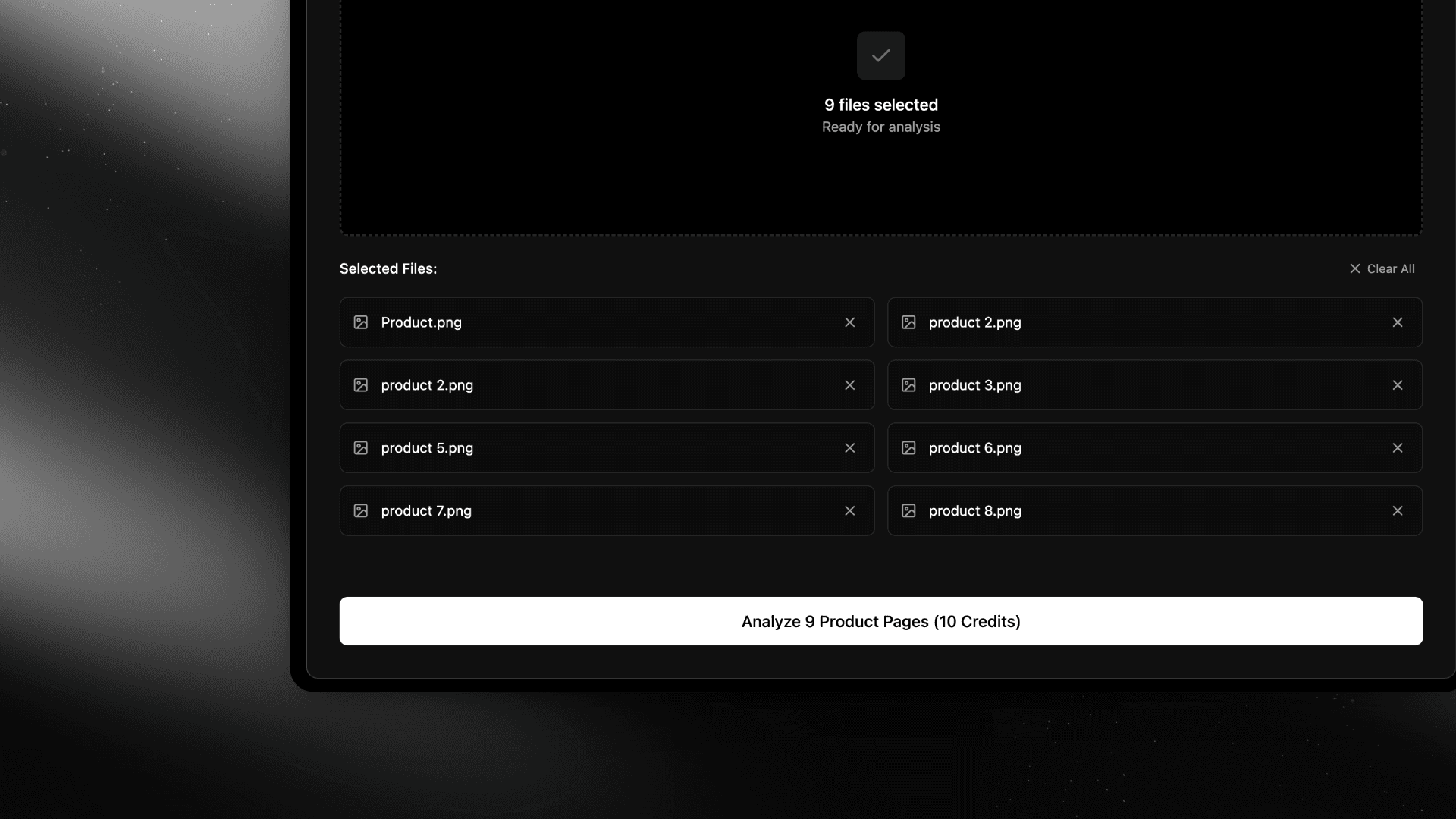
Loupa analyzes your product deeply
Once your file is uploaded, Loupa studies your product from multiple perspectives - text, layout, visuals, and structure.
It looks at how the content flows, how the visuals guide the eye, and how the overall experience feels to a potential buyer or reader.
Loupa identifies what’s strong, what could be improved, and what details might be holding the product back from reaching its full potential.Receive your custom feedback
After the analysis, Loupa generates a detailed feedback report written in clear, human language.
You’ll receive specific insights about:Overall Feedback - A general summary of your product’s quality, clarity, and potential.
Design & Layout - How well your product’s structure, spacing, and visual flow support readability.
Color & Typography - Balance, consistency, and emotional tone of your visual identity.
Usability & User Experience - How intuitive and engaging your product feels to a reader or customer.
Content & Value - The depth, clarity, and usefulness of your written material.
All-In-All - A final evaluation that combines all key aspects into one clear, actionable conclusion.
This feedback helps you instantly see where your product stands - what’s already working beautifully and where small adjustments could make a major difference.
When to Use This Feature
This tool is designed for creators who built their product manually - maybe in Canva, Notion, or another design tool - and want to understand how to improve it.
If your product was created directly inside Loupa, you don’t need this step - your structure and writing are already optimized by design.
But if you’re creating products independently, this feature gives you a fast, expert-level review that helps you learn what makes a product polished, consistent, and truly market-ready.
Why It’s Useful
Most creators never get objective feedback on their products.
Loupa changes that - it gives you a clear, unbiased look at how your work performs from a design and user perspective.
You’ll see what people will love, where they might lose focus, and exactly how to improve your next product.
It’s not just feedback. It’s intelligent creative guidance - simple, fast, and built to make you better with every project.